


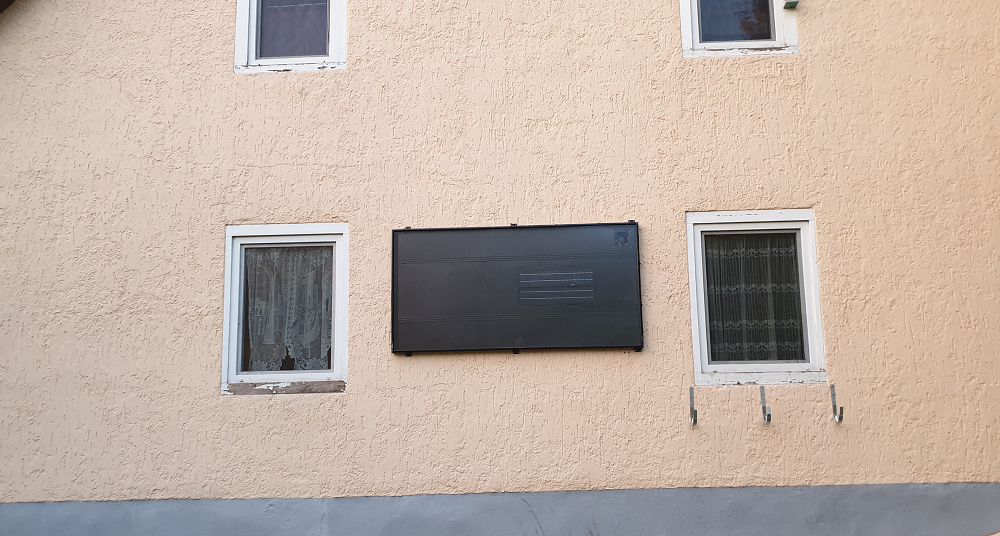


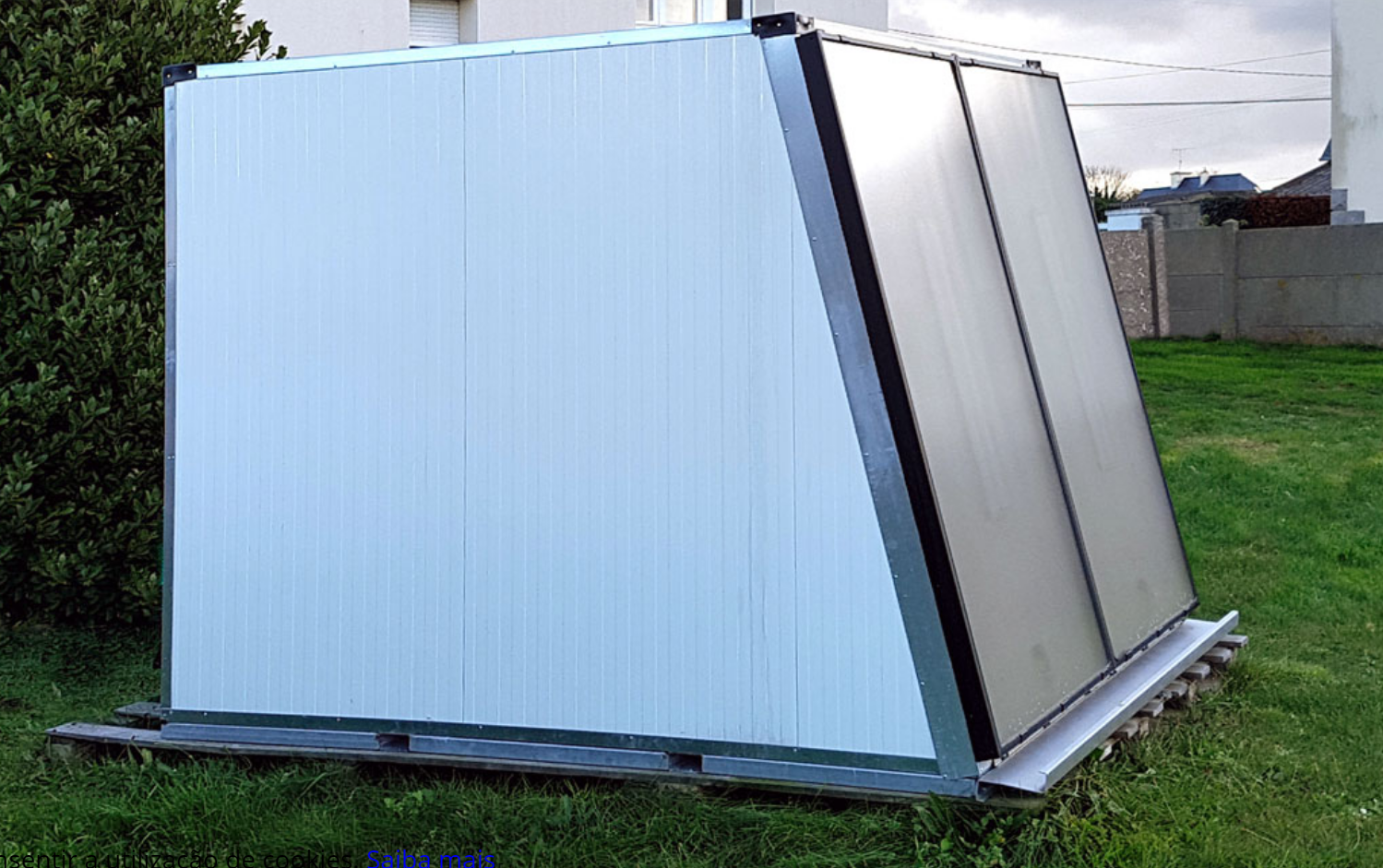


2-i-1 funktion
-


Nakoair OS32 Solarluftvarmer & affugter – op til 60 m²
€599.00I områder med lidt sol, dårlig isolering eller høj luftfugtighed — især i rum, der bruges ofte — anbefaler vi en større model. Til rum med meget fæ...
-
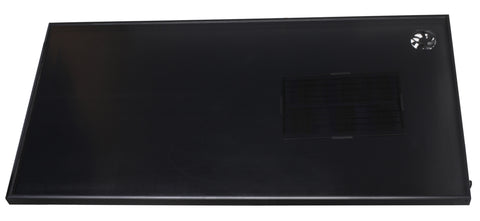

Nakoair OS42 Solarluftvarmer & affugter – op til 100 m²
€780.00 €899.00I områder med lidt sol, dårlig isolering eller høj luftfugtighed — især i rum, der bruges ofte — anbefaler vi en større model. Til rum med meget fæ...
-
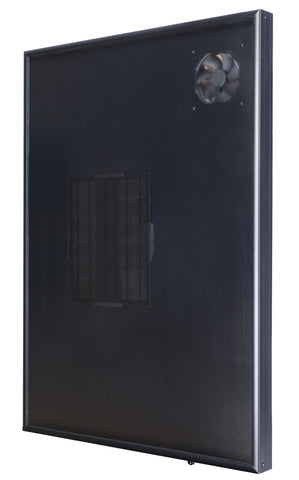

Nakoair OS22 Solarluftvarmer & affugter – op til 40 m²
€440.00I områder med lidt sol, dårlig isolering eller høj luftfugtighed — især i rum, der bruges ofte — anbefaler vi en større model. Til rum med meget fæ...


Termisk ydeevne test for solfanger; Trykdråbeprøve; Tid konstant test; Visuel inspektion; Intern tryktest; Brud- eller kollapsprøve; Stagnationstemperatur; Eksponeringstest; Eksternttermisk chok; Internt termisk stød; Regnindtrængning; Frys modstand; Mekanisk belastning; Slagstyrke test ved hjælp af stålkugle; Afsluttende inspektion. Alle ovennævnte test af standarden EN12975-1:2006+A1:2010 og ISO 9806:2017 blev bestået med succes i overensstemmelse med kriterierne.

Solar Keymark er et frivilligt tredjepartscertificeringsmærke for solvarmeprodukter, der viser slutbrugerne, at et produkt er i overensstemmelse med de relevante europæiske standarder og opfylder yderligere krav. Det er bredt spredt over hele det europæiske marked og videre. Solar Keymark er et kvalitetsmærke.
Standard funktion
-


Nakoair OS30 Solarluftvarmer – op til 50 m²
€499.00I områder med lidt sol, dårlig isolering eller høj luftfugtighed — især i rum, der bruges ofte — anbefaler vi en større model. Til rum med meget fæ...
-
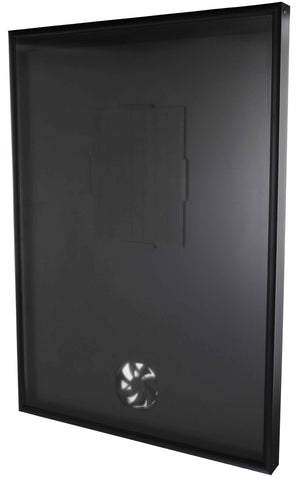

Nakoair OS20 Solarluftvarmer – op til 30 m²
€360.00I områder med lidt sol, dårlig isolering eller høj luftfugtighed — især i rum, der bruges ofte — anbefaler vi en større model. Til rum med meget fæ...
-
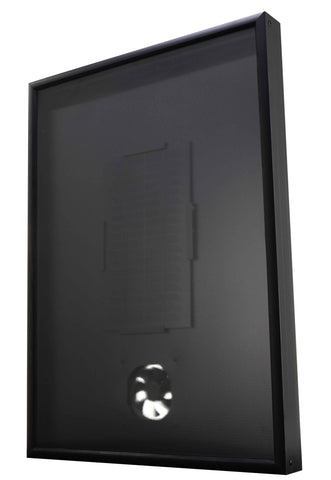

Nakoair OS10 Solarluftvarmer – op til 10 m²
€210.00I områder med lidt sol, dårlig isolering eller høj luftfugtighed — især i rum, der bruges ofte — anbefaler vi en større model. Til rum med meget fæ...


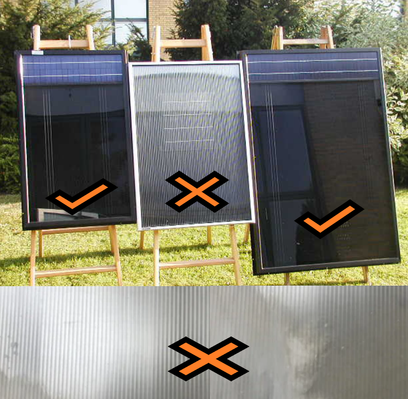
Glas er bedre end polycarbonat solpaneler
ønsker at få de nyeste opdateringer! tilmeld dig gratis.
Troubleshooting – solar air heater does not heat or the fan does not start
Before contacting us, please work through the checks below in order. They solve most cases.
1. Start with the display
If the LCD shows garbled or implausible values, the unit will not run properly — the controller is not receiving a valid reading. Please do not pull the LCD ribbon cable and do not use a cable that is too short; press firmly on the affected area of the screen. If it stays garbled, the thermostat is faulty and we replace it under warranty.

2. The fan does not start
- The screen shows SOLAR / PV voltage of at least 16 V, stable for about 30 minutes.
- The clock is set: press SET + M together for more than 2 seconds.
- The 3-pin plug is pushed fully in — otherwise the display shows 0 V.
- The air outlet or air valve is plugged into the circuit. The unit will not drive the fan when that circuit is open.
- The room temperature is below the set point (if the room is above 24 °C, set 32 °C).

A startup delay of 10–40 minutes in steady sunlight is normal. Do not hold the unit by hand while testing — skin contact interferes with the sensor signal.
3. No heat although voltage is fine
Check whether the air valve is stuck in the open position (with cold outside air the unit must run in recirculation), whether the duct or the glass is blocked by snow, leaves or dirt, whether the set point is below room temperature, and whether the fan turns at all.
4. Outside temperature always shows 0.0 °C
This points to the outdoor sensor (black sensor at the lower left of the panel) or its cable. Send us two photos: a close-up of the sensor and the wiring at the thermostat.
5. Automatic air valve on OS22 / OS32 / OS42 does not open
There is a known batch issue where the small motor slips out of its bracket. The part can be replaced without removing the panel from the wall. Please never push the valve by hand — let the motor travel fully, and never leave it blocked halfway.
6. Condensation under the glass
Normal. The panel is not sealed, condensation forms from the temperature difference and disappears by itself.
What we need from you
A clear photo of the display beats a long video. If you contact us, please include the model, the order number and what the screen shows.
